mind•share /mīnd SHer/ (verb):
to increase the collective awareness for great ideas, people, and organizations through effective use of
branding, communication, and technology.
Mindshare’s ambition is to create a more meaningfully interconnected world through technology that prioritizes data openness and intuitive user experiences. We are driven by the belief that the world can be a more open, collaborative, and fluid place through better online experiences. Our goal as technology service providers is to strengthen our partners’ ability to harness these experiences.
Core Competencies
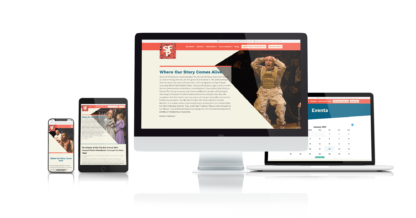
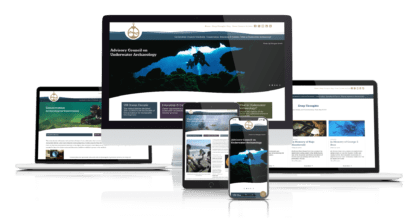
Mindshare Labs, Inc is a full-service web design and development company. We become your ally in business helping you to create a brand-oriented online presence. If it exists on the web, we can build it.
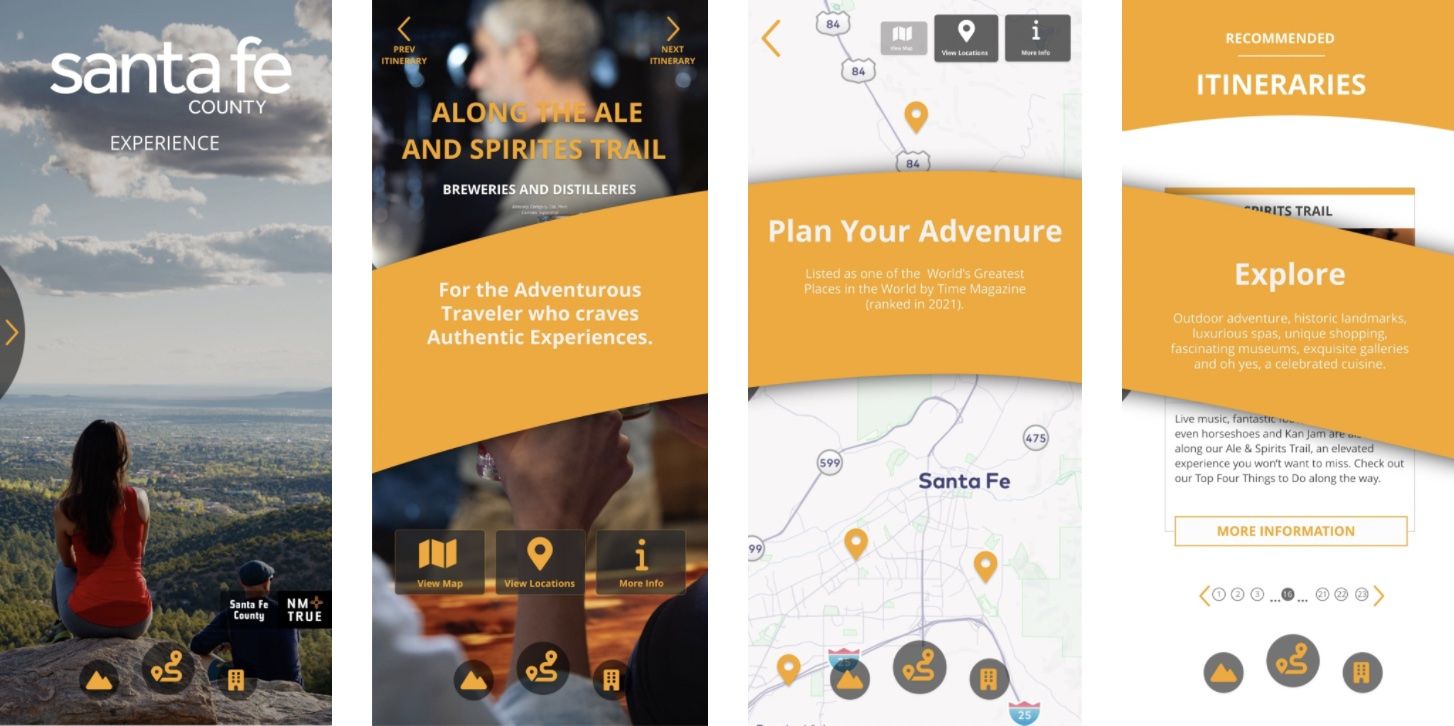
We develop mobile applications for iPhone and Android using best-of-breed tools and modern mobile frameworks. Our apps can help you engage with your clients or introduce custom functionality to your business.
Mindshare labs is a group of highly skilled and creative technology and web experts. We work to establish our client's online presence in the best way possible.
Strong organic SEO drives quality traffic to your website without having to rely on pay-per-click campaigns to move up the ranks. Mindshare Labs offers SEO services that help your customers find you.
Whether you're trying to get funding, need mockups for investor presentations, or simply want to explore the complexity of your app, a Rapid Application Prototype is what you need.
Wordpress offers an incredibly extendable platform, you don't need to develop an entirely new site to add functionality and features. A plugin can help you craft better user experience or add new functionality to your website.
Let us manage your WordPress security so you can focus on your business. An updated, secure, backed-up WordPress site is a happy site. Plus, on our plan we offer 25% off disaster recovery should anything happen.
We have experience consulting with hundreds of organizations about web applications for ecommerce & online business, content management systems, selling downloadable products and ebooks, building social networks & membership sites, streaming live video, elearning, and more.